
YouTube
Shop rewards
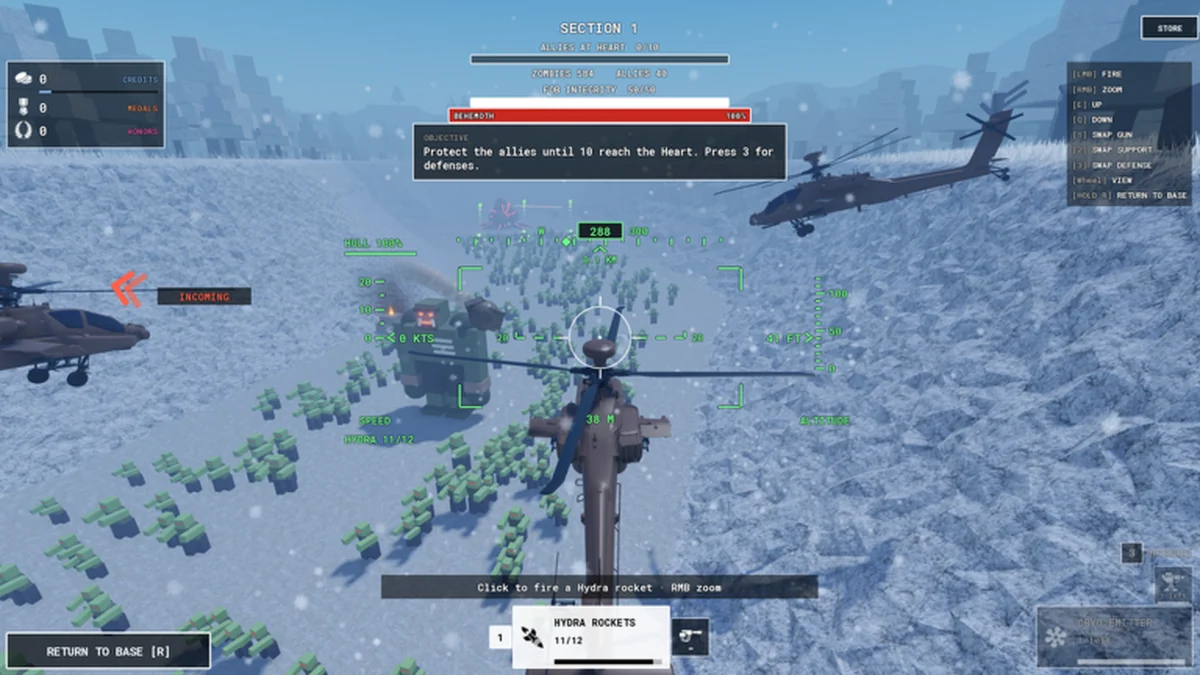
Zombie Air Force Codes
Copy the announced Zombie Air Force codes and redeem them through the in-game shop. The developer attaches a new-servers condition to the free bonus announcement, so keep that condition alongside the code rather than changing the spelling when a redemption fails. Use the linked guides for the full procedure or a specific error.
Copy the exact codePaste one code at a time without quotes.
Claim the bonus before planning the purchase
The official game description announces THANKYOU and SORRY as free shop bonuses for new servers. They are also listed as working by the linked code guide. Treat the code as a way to claim the offered reward; keep your upgrade decision separate until you have seen the resulting balance. That prevents a reward announcement from turning into an unnecessary shopping goal. Use the table’s copy button for the exact text, then submit one entry in the shop. If you already claimed a reward, copying it again does not create another announced offer. A failure is a reason to distinguish input, account history and the new-server condition. The troubleshooting guide separates those questions so you can choose the appropriate next step.
Announced shop codes
These codes were reported active in the cited game sources. The developer specifies new servers; redemption outcomes can change as the game updates.
| Code | Reward | Condition | Reported status | Copy {code} |
|---|---|---|---|---|
THANKYOU | Free bonus | Copy THANKYOU without quotation marks, then read the shop result before claiming the other entry. | Reported active | |
SORRY | Free bonus | Enter SORRY as its own redemption. The announced text contains no numbers or punctuation. | Reported active |
How to redeem a shop code
Open the in-game shop and enter one copied code. The full redemption guide adds a step-by-step path if this is your first visit.
Open the shop
Launch Zombie Air Force on Roblox and open the shop from the game screen.
Paste one code
Use the redemption field for a single code, keeping quotation marks and extra spaces out of the entry.
Submit and read the result
Use the redemption action, check the response, and then claim the other code separately if it applies to your account.

Resolve the failed attempt before trying again
The troubleshooting guide explains which input, account or server question to address. Return to the redemption walkthrough when you need the shop procedure itself.